
My Disney Experience is a pretty robust app that lets you do just about everything you need when you visit Disney World. You can use the app to check in to your hotel room, unlock your hotel room door, connect to your MagicBand, act as your ticket into the parks, check wait times, book Lightning Lanes, and so much more.
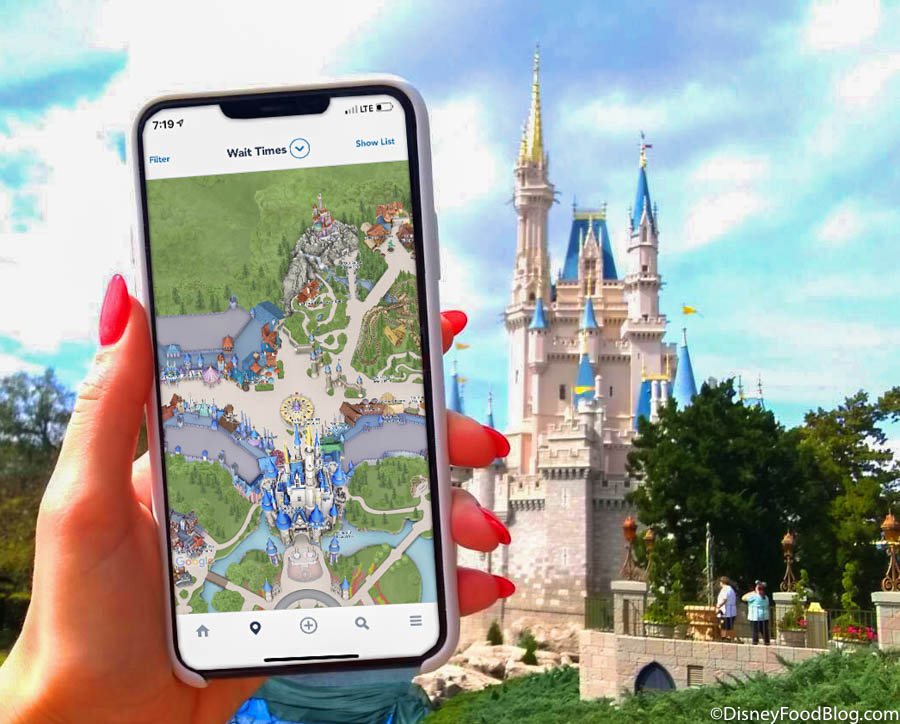
My Disney Experience App
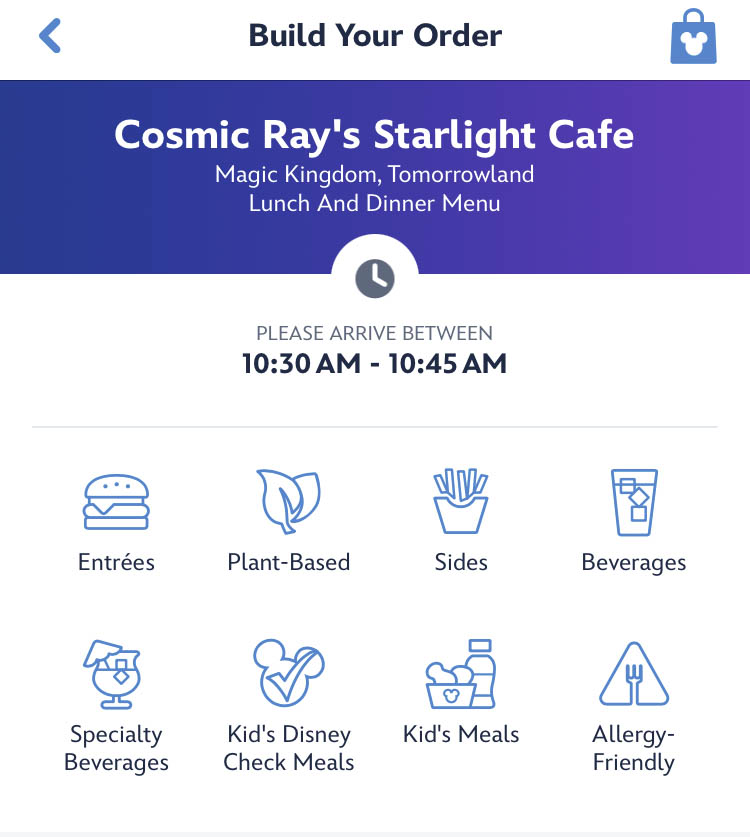
The app also lets you pay for food via mobile order, as well as pay for merchandise through mobile checkout, but if you want to use a gift card to pay for those things, it’s always been kind of a hassle when using the app. Well, Disney FINALLY fixed that problem and you can set the app to pay with a gift card by default now.
Previously, if you wanted to use a gift card to pay for something through the My Disney Experience app, you’d have to manually add in the gift card number every time you wanted to use it. That’s why we’ve previously suggested saving the gift card number in a notes app so you can copy and paste it into My Disney Experience.

Gift Card!
But that has now changed (and seriously, this is something we’ve been wanting for a LONG time). Well, now both My Disney Experience AND the Disneyland app (yep, Disneyland got included in this update, too) now allow you to add Disney gift cards as your default payment method. Here’s how it works:
- Click on the three lines on the far right bottom of the My Disney Experience app screen.
- Scroll down and choose MyDisney Wallet under “Account”
- Click on “Add a Payment Method”
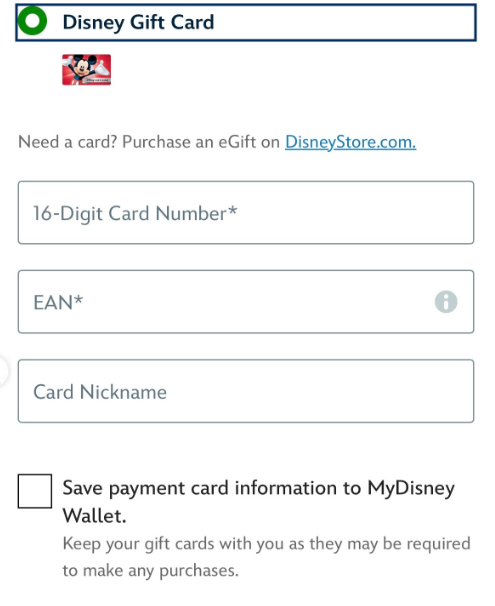
- Choose Disney Gift Card
- Type in the 16-Digit gift card number and details
- Click on “Save payment card information to MyDisney Wallet”
- Click on “Confirm.”
©Disney
SO easy, right? Then the gift card will be used when you make a purchase through the app. However, this doesn’t yet work with purchasing Lightning Lane options, but, hey, at least we’re getting there with other things!
So if you want to use a gift card to pay for mobile orders, mobile check-out items, and tickets, you now have an easy way to do so.
©Disney
We’ll keep an eye out for more Disney app updates, so stay tuned to DFB for more.
6 HUGE Disney World App Changes CONFIRMED
Join the DFB Newsletter to get all the breaking news right in your inbox! Click here to Subscribe!
WE KNOW DISNEY.
YOU CAN, TOO.
Oh boy, planning a Disney trip can be quite the adventure, and we totally get it! But fear not, dear friends, we compiled EVERYTHING you need (and the things to avoid!) to plan the ULTIMATE Disney vacation.
Whether you're a rookie or a seasoned pro, our insider tips and tricks will have you exploring the parks like never before. So come along with us, and get planning your most magical vacation ever!
What do you think of this app update? Let us know in the comments!












 Our handy (and portable!) ebook guides make sure you get the best deals and can plan a vacation of a lifetime.

Yes!!! So excited about this update. We only use Gift Cards and it is a pain to type in the numbers each time. Yay Disney!
Hi AJ, this Rob and I went to My Disney Experience and followed your instructions and found all of my Disney gift cards had already been added. I do have a Disney gift card balance account and because of that the cards were transferred over because of same password and email. Very convenient.
I see you still can’t pay for Savis and Droid with the gift card. I also haven’t been able to set it as the default. My gift cards appear, but my default card is still Visa.
Will you be able to enter multiple cards?
Wonder if they will combine amounts?
I’ve been waiting for this!!!
YAY!!!!!!! SOOOOOOOO glad they finally added this!!!!